
How to Complete Account Verification (KYC)
When we may ask for verification, what to send, and how review works.
When We May Ask for Verification
- Before your first withdrawal, or when withdrawing bonus winnings
- For larger withdrawals
- Before certain promotional or referral rewards
- Occasionally, as part of routine security checks
Steps to Complete Verification
- 1
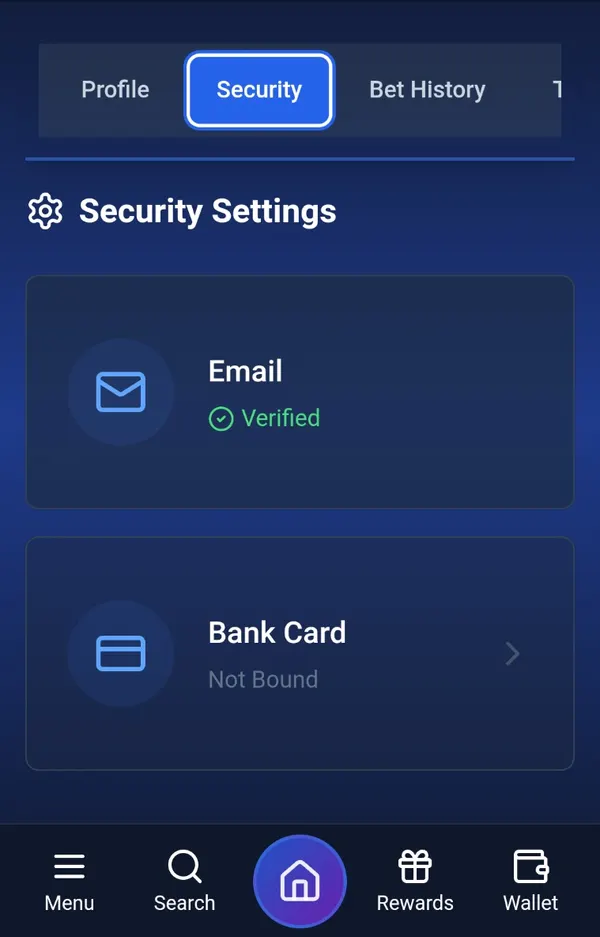
Verify your email
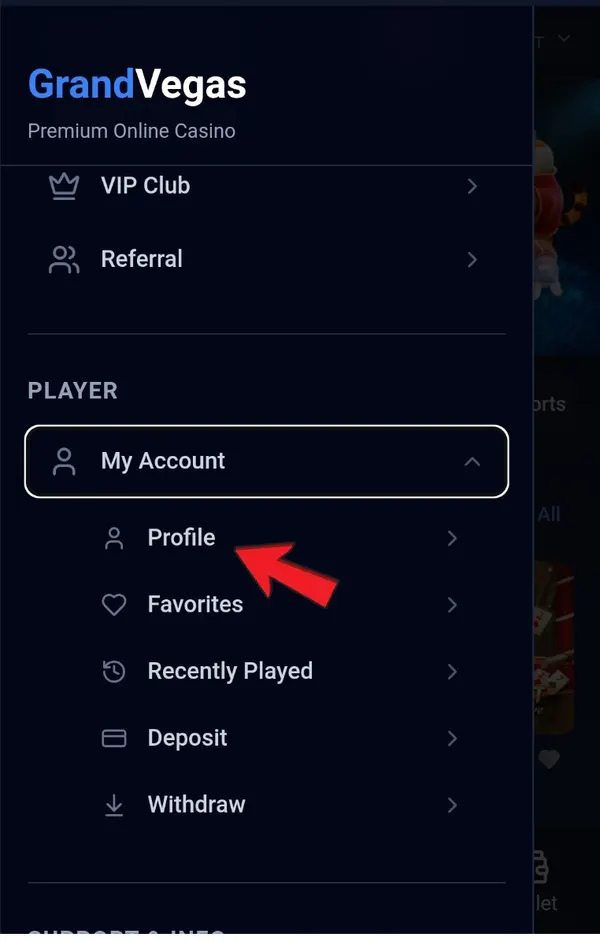
Go to Profile → Security → Verify Now.
- 2
Submit required documents
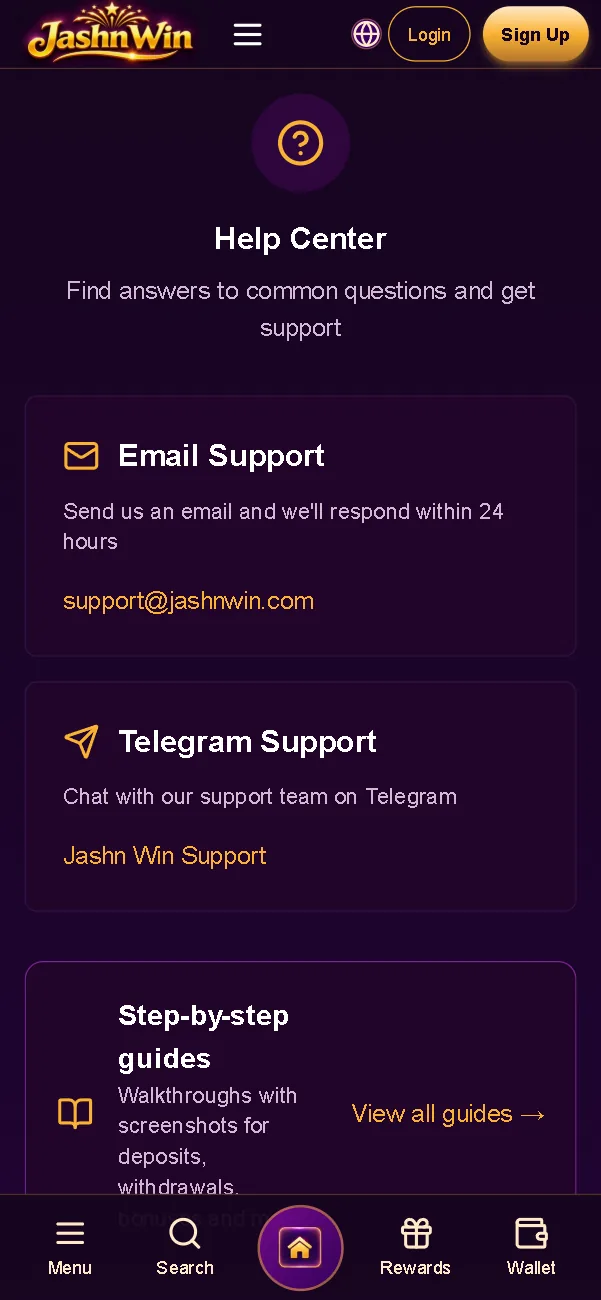
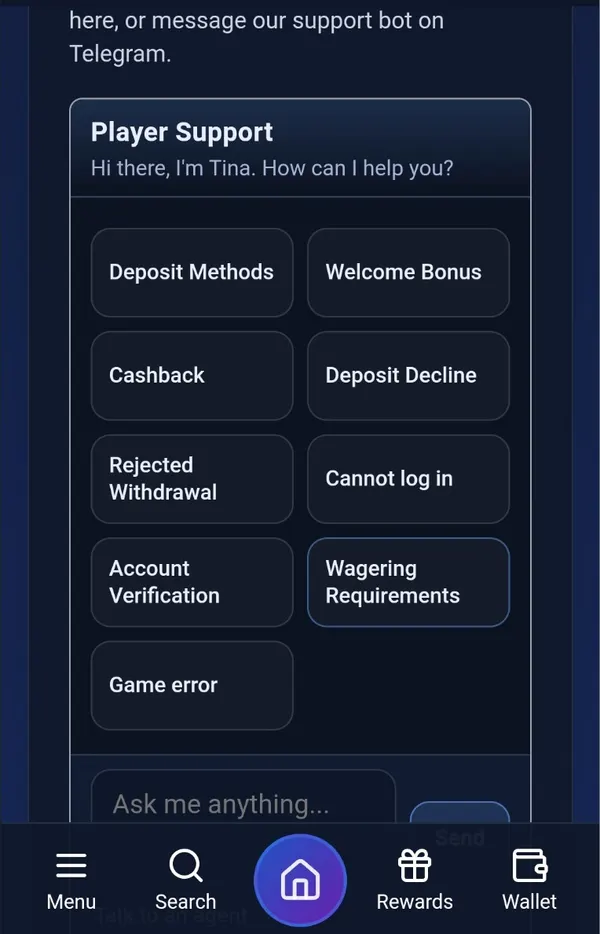
When requested, send documents through the channel provided (Live Chat, Telegram, or email to [email protected] from your registered email).
- 3
Review process
- Once received, our team will review your documents.
- Reviews usually take up to 72 hours, and in some cases up to 5 working days.
Documents We Accept
- Photo ID: Passport, national ID, or driver's licence. Must be valid and show your name, photo, date of birth, and citizenship (matching your profile).
- Phone Number Confirmation: To verify your registered contact details.
- Selfie with Your ID: Only if specifically requested.
- Proof of Funds: Only if specifically requested.
Tips for a Smooth Review
- Use clear, colour photos with all four corners visible.
- Ensure all details match your account information.
- Only send documents after we request them.
Still need help? Visit the Help Center or email [email protected].