
How to Find Your Pending Bonus Claims
Find rewards you can claim in the Claim Center.
- 1
Log In
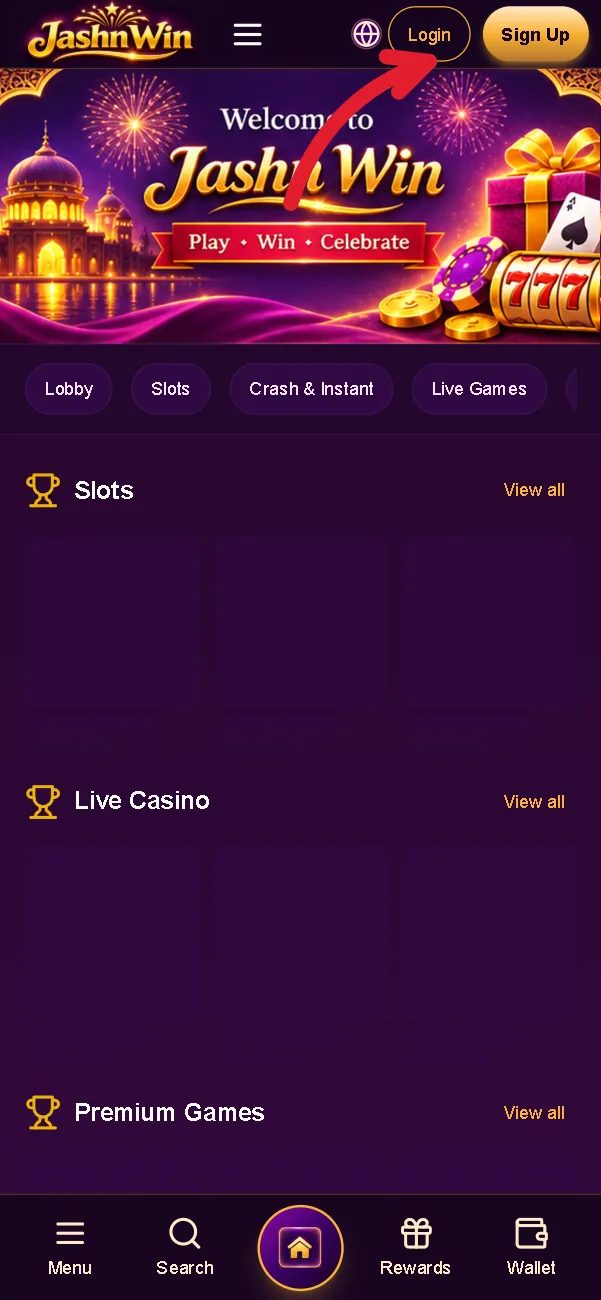
Open the website on your mobile browser.
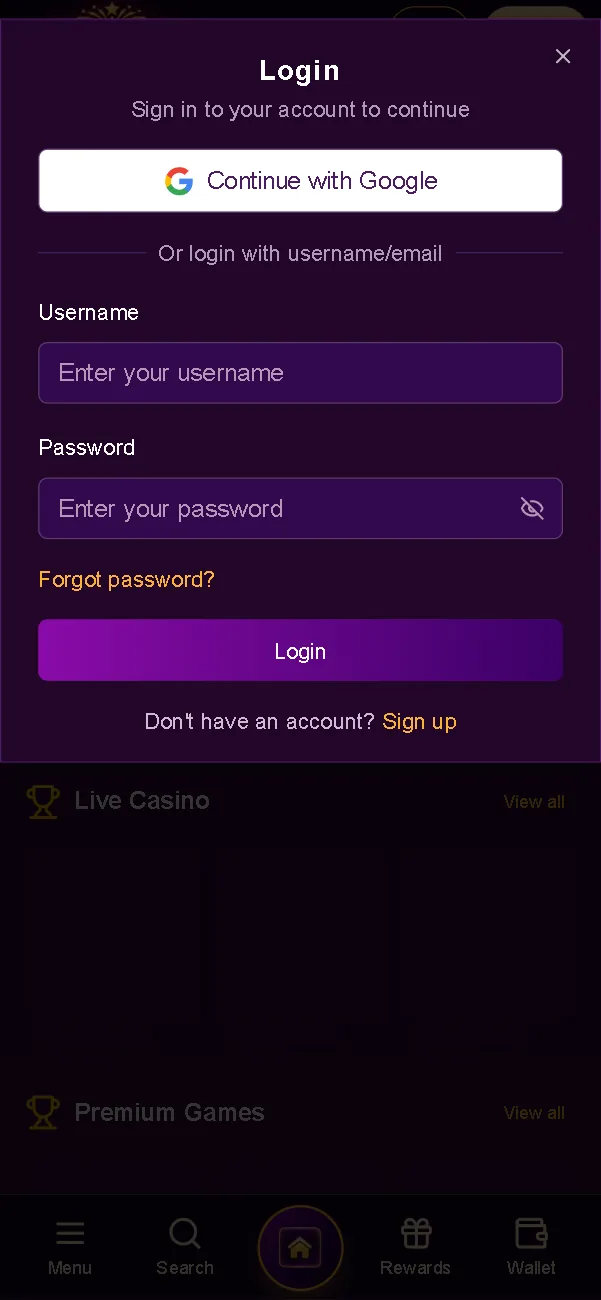
Tap Login at the top right and sign in with your account.
- 2
Open Rewards
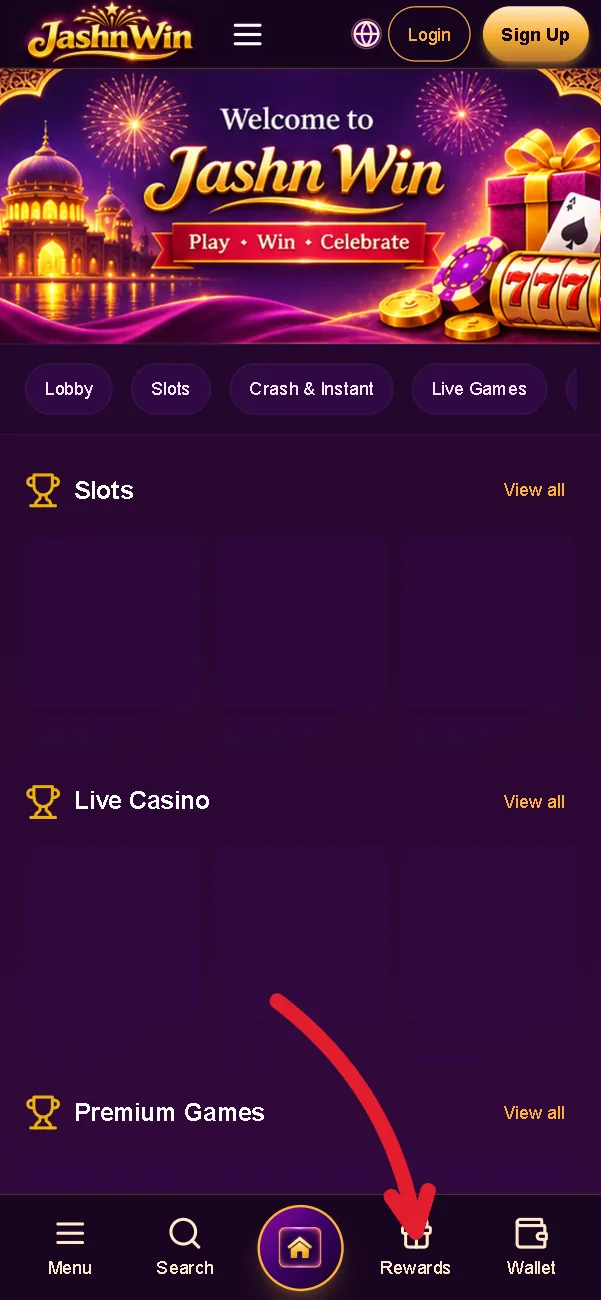
Once logged in, look at the bottom right of the screen.
Tap Rewards (beside the Wallet icon).
- 3
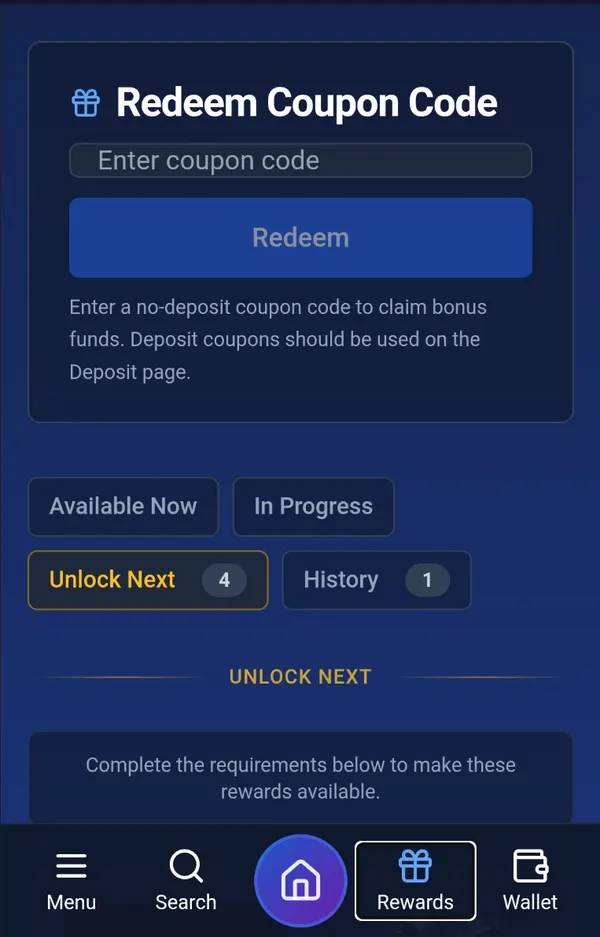
Enter the Claim Center
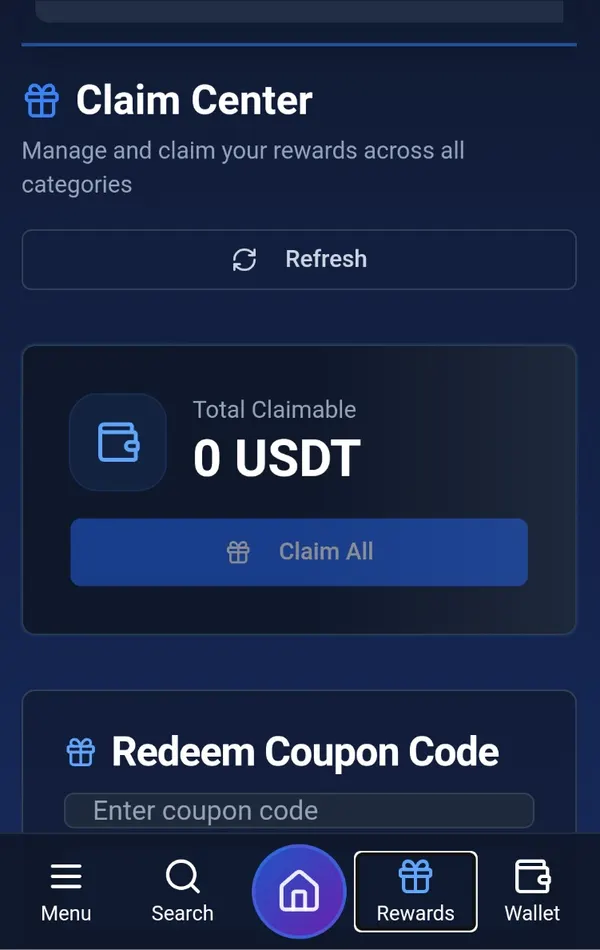
You'll now be in the Claim Center.
At the top, you'll see your Total Claimable bonuses.
If you have a Coupon Code, enter it here and tap Redeem.
Below, you'll see:
- Available Now: bonuses you can claim immediately.
- In Progress: bonuses you're currently working toward.
- Unlock Next: rewards you'll unlock in the future.
- History: past bonuses you've already claimed.
Tips
- Always check In Progress to track how close you are to unlocking the next reward.
- Use Coupon Codes to redeem extra bonuses when available.
Still need help? Visit the Help Center or email [email protected].