
What to Do When a Game Freezes or a Bet Is Missing
Steps to take and what to send us when a game freezes or a bet looks missing.
Steps to Take When a Game Freezes
- 1
Wait briefly
If a round is in progress, allow 1–2 minutes before closing the game.
- 2
Check your internet connection
Switch between Wi-Fi and mobile data to ensure stability.
- 3
Reload the game
Most providers automatically resume or settle unfinished rounds.
- 4
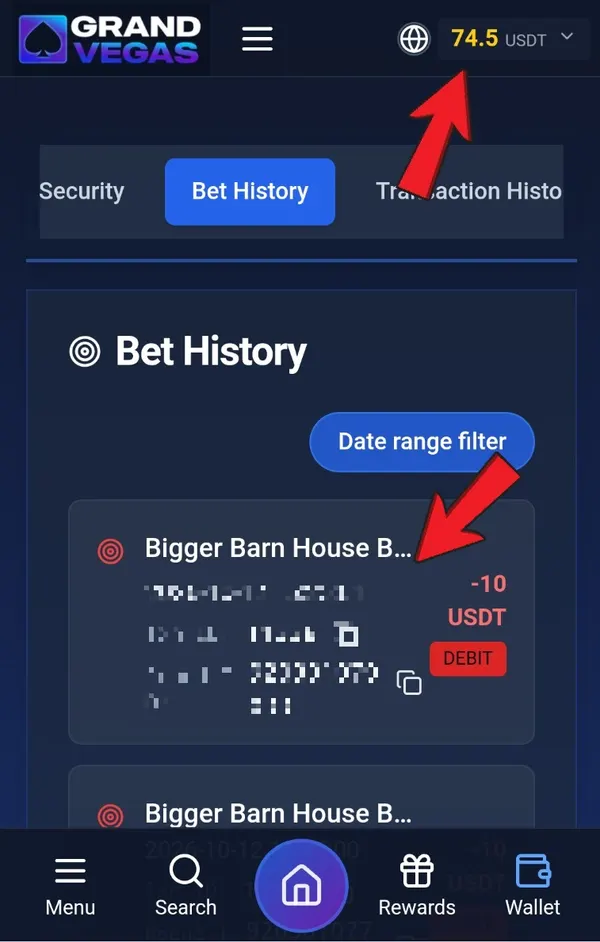
Verify Bet History
Go to Profile → Bet History to confirm if the round was recorded.
- 5
Check your balance
Review both Overview and Transaction History to confirm updates.
Steps to Take When a Bet or Win Is Missing
- 1
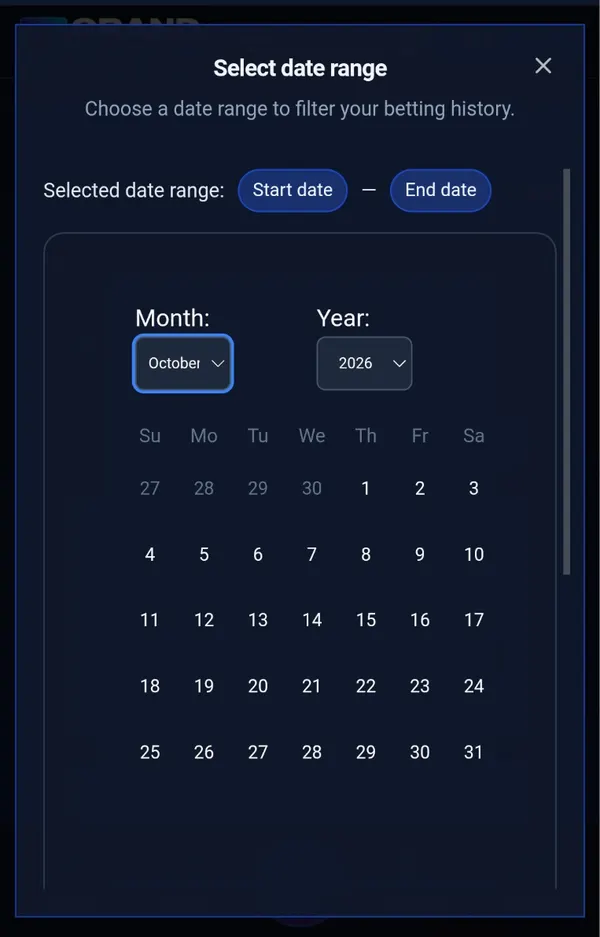
Search Bet History
Use the date filter in Bet History to locate the round.
- 2
Check for Pending status
Some rounds may appear as Pending while the provider finalizes settlement.
- 3
Review bonus rules
If a bonus is active, remember that bets above the maximum allowed bet will not be accepted.
Steps to Contact Support
- 1
Gather information
Prepare the following details:
- Your username
- Game name and provider
- Date and time (include your time zone)
- Round ID from Bet History
- Bet amount, expected outcome, and your balance before/after the round
- A screenshot or screen recording of the issue
- Your device and browser
- 2
Reach out
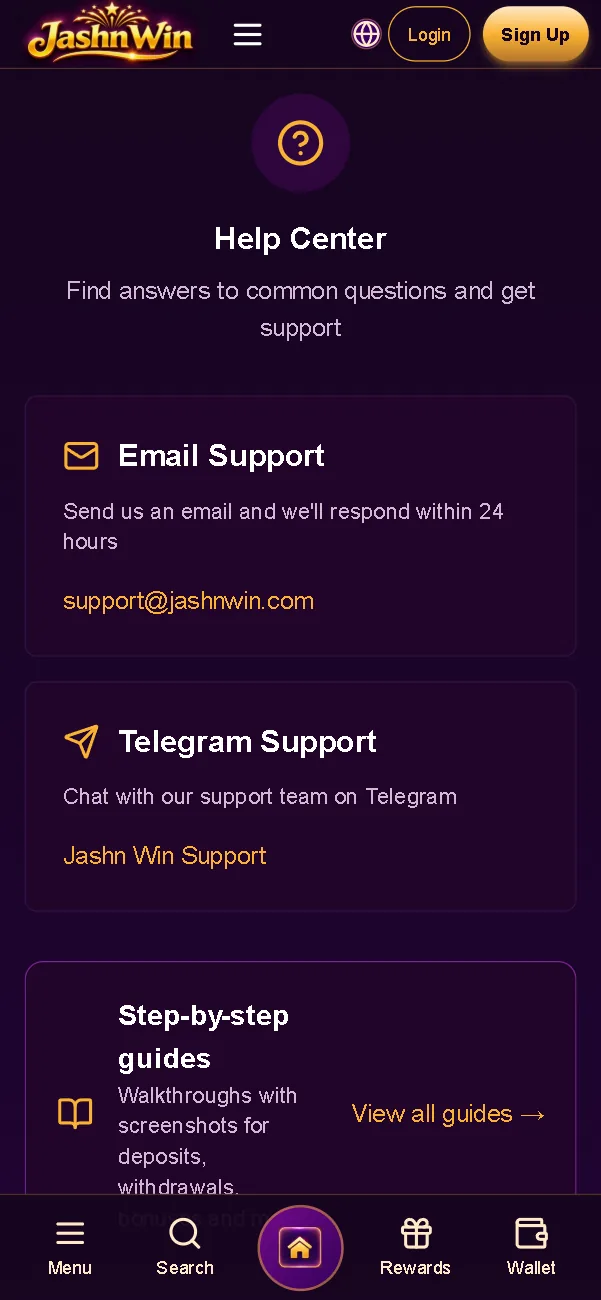
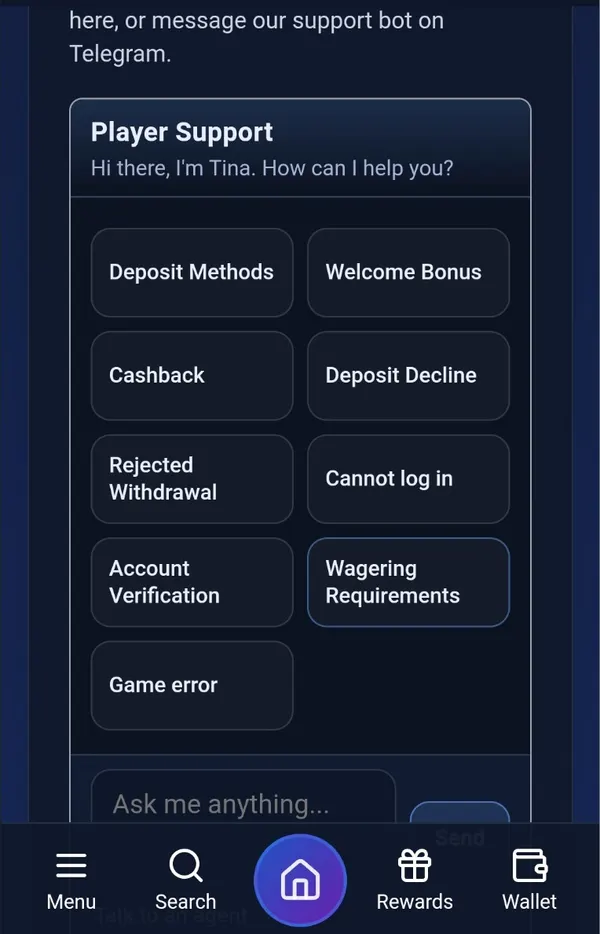
- Use Live Chat in the Help Center for immediate assistance.
- Or send an email to Jashn Win Support with the details above.
- 3
Wait for review
The support team will check the round directly with the game provider and update you once resolved.
Tips
- Always check Bet History first before contacting support.
- Pending rounds usually resolve automatically once the provider confirms results.
- Providing complete details speeds up the investigation process.
Still need help? Visit the Help Center or email [email protected].